Straight from the Finder.
Import your photos, videos and documents from the Finder or the file picker, then sort them into albums and folders.

Écrin for Mac · By OS Studio
Your photos, videos, documents and notes in a private space designed for the Mac: sidebar, inspector and keyboard shortcuts, with no Écrin account to create.
Écrin on Mac
Your albums, documents and notes in a window designed for the Mac.
1 / 4 · Photos
Photos
Browse your photos, videos and Live Photos, filter them by type and find your favourites with search.
Import your files from the Finder or the file picker.
Read the guide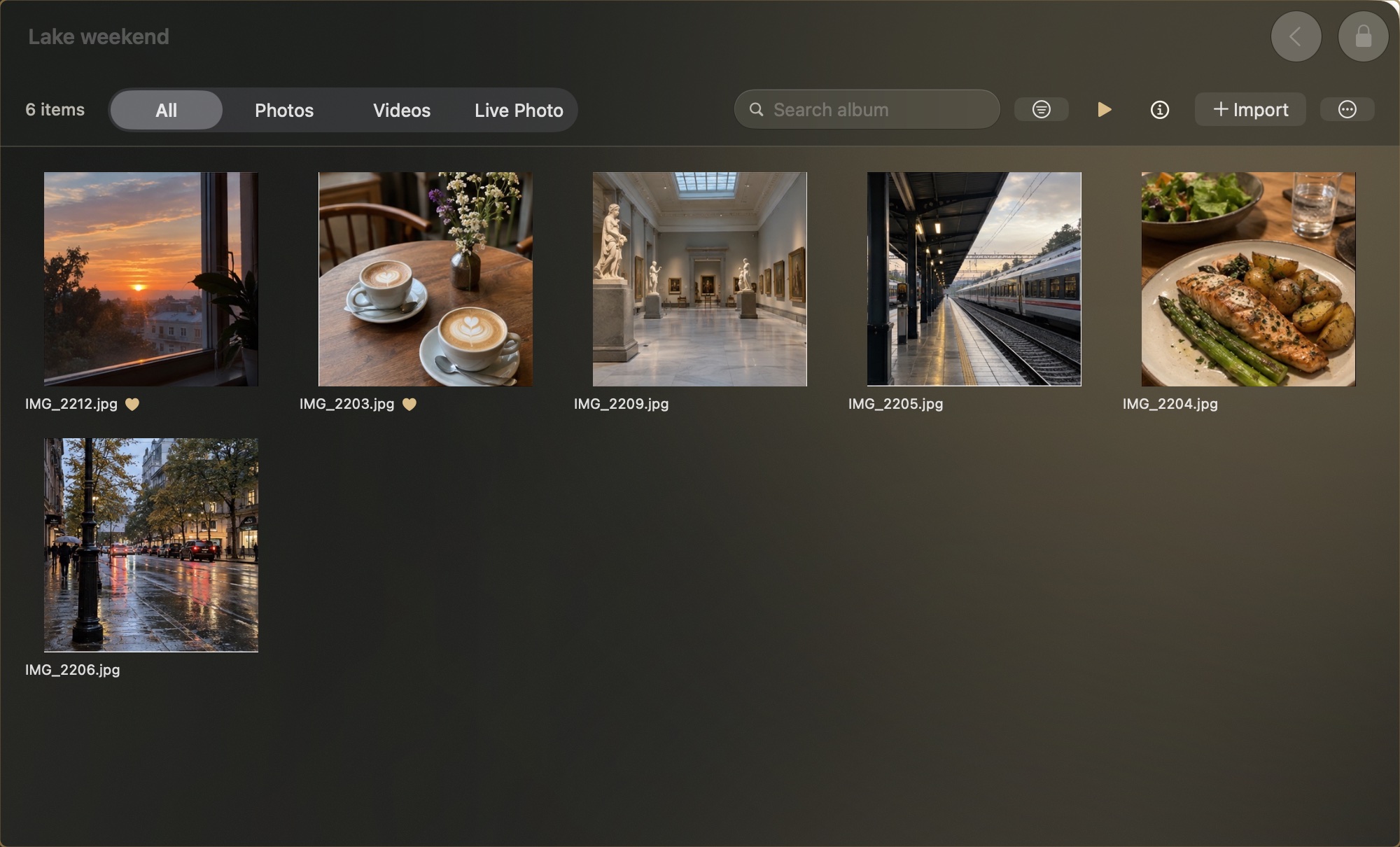
Documents
Your document list on one side, the preview on the other: read your PDFs without leaving Écrin.
File your documents in folders, just as on iPhone and iPad.
Read the guide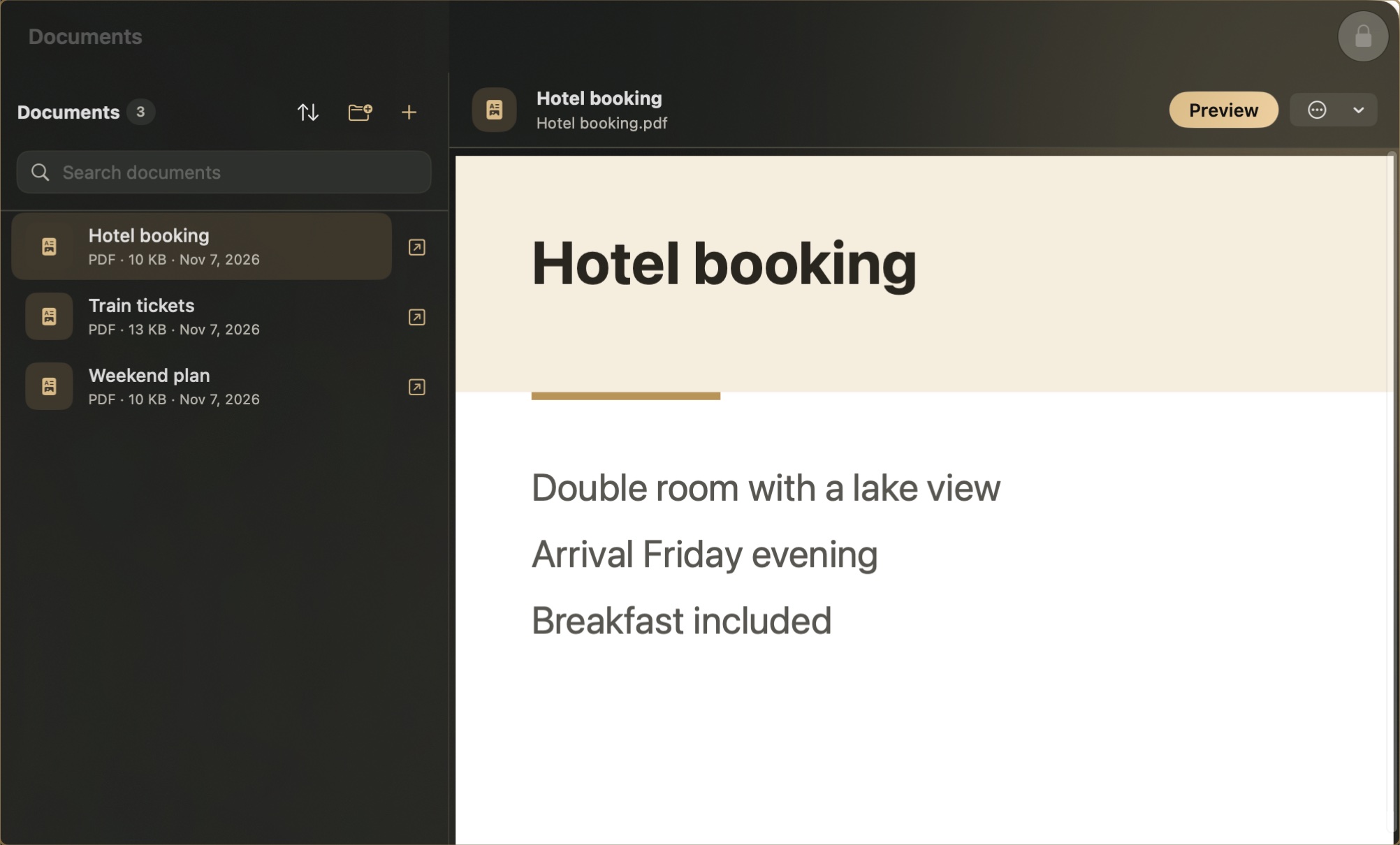
Notes
Write notes encrypted by Écrin and file them in folders.
Search finds a note in a few letters.
Read the guide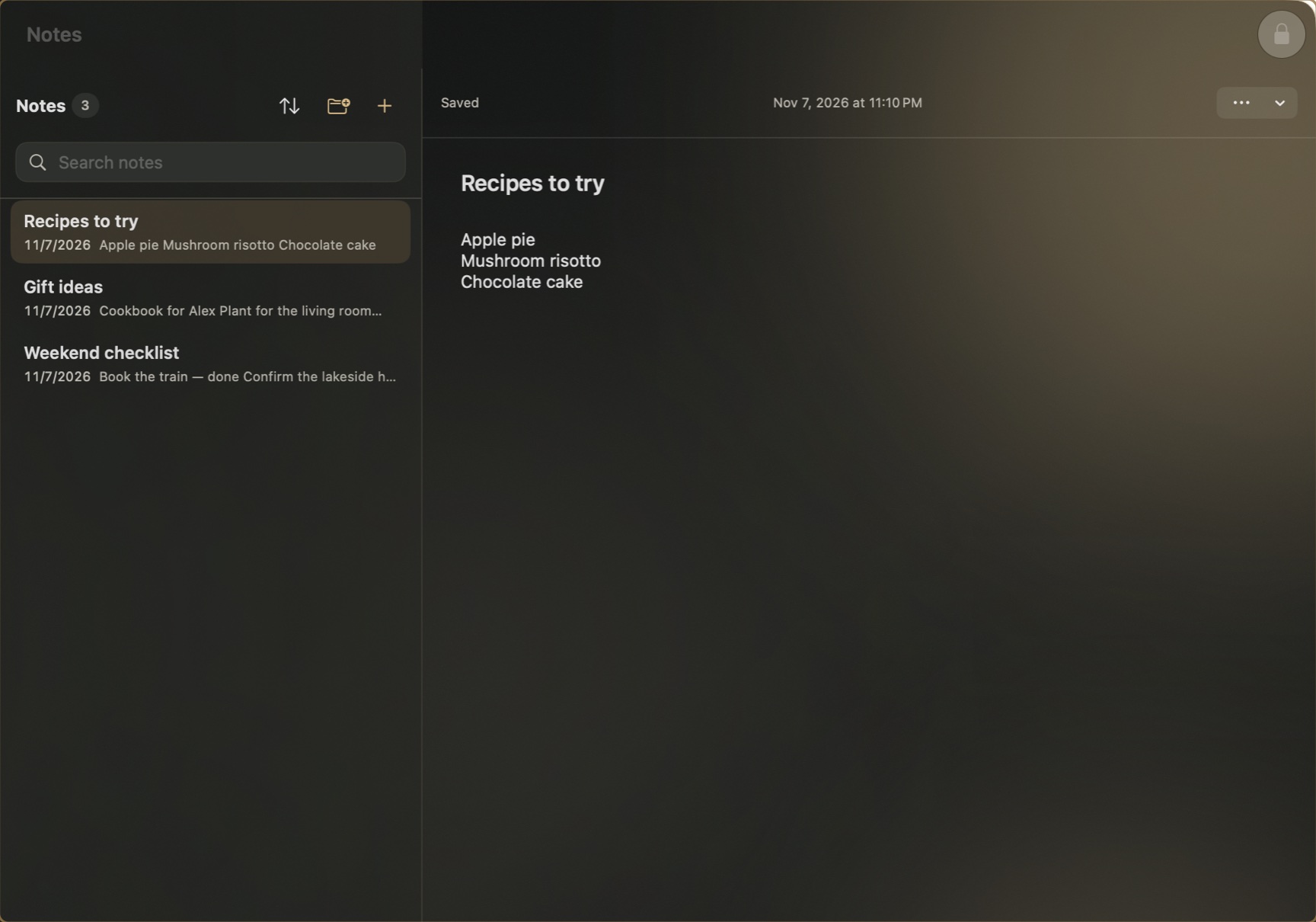
Security
A passcode or a pattern protects access to Écrin. Touch ID is optional on compatible Macs.
After several wrong passcodes, a progressive delay applies, and a summary of attempts appears when you open the app.
Read the guide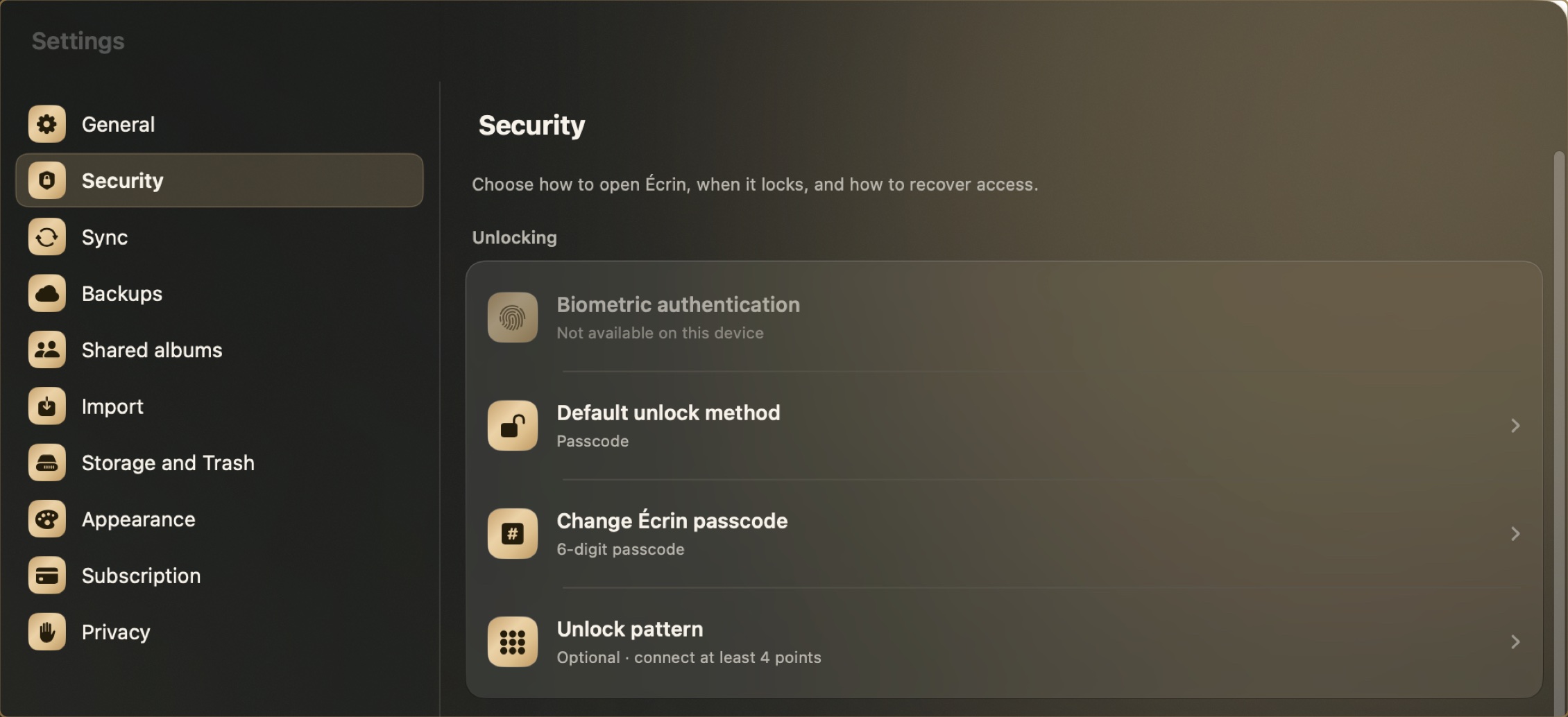
Actual screenshots of Écrin 2.0 for Mac, with sample content.
On Mac
Import your photos, videos and documents from the Finder or the file picker, then sort them into albums and folders.
Sidebar, inspector and keyboard shortcuts: find your content as you would in any Mac app, with no Écrin account to create.
With Premium or Family, sync albums, photos, videos, documents and notes across your devices that use the same iCloud account. Synced content is encrypted by Écrin.
Organise your photos, videos and Live Photos into albums, pick your favourites and find your content with search.
Work photos to find quickly, memories as a couple in a personal album.
Import your files from the Finder or the file picker.
File your documents in folders and read your PDFs in Écrin, right next to your document list.
Payslips, identity copies, bank details or statements: a folder for each subject.
Write notes encrypted by Écrin and file them in folders. Search finds a note in a few letters.
A personal matter, account information or a confidential thought to find without browsing every note.
A passcode or a pattern protects access to Écrin. Touch ID is optional on compatible Macs; Premium and Family add a second space and the access attempt log.
Use quick unlocking if you wish, while keeping a passcode.
Even on the free plan, create an encrypted copy in your iCloud whenever you like; a reminder in Activity helps you remember. With Premium or Family, turn on automatic backups and keep several versions of your copies.
Keep a local copy and separately track confirmation of its iCloud transfer.
iCloud transfers depend on the network and system. Restoring a personal backup remains available without a subscription.
With Premium or Family, invite selected people to the albums you choose to share. ZIP export of your content, with or without a password, remains available without a subscription.
Share party photos while keeping your documents and other albums private.
Family subscription sharing does not automatically share content.
Import the photos, videos and files you choose from the Finder.
Organise your albums, documents and notes. Find them with search and your preferred view.
Export your content, or share an album by invitation with Premium or Family.
Private, by choice
You control how your space is protected and which services you enable.
Your passcode or pattern is required each time Écrin opens. Touch ID remains optional on compatible Macs.
Create an encrypted copy in your iCloud at any time, even without a subscription. With Premium or Family, turn on automatic backups and sync between your iPhone, iPad and Mac.
Choose the albums and authorised people. Sharing an album does not grant access to the rest of your private space.
Export your content as a ZIP archive, with or without a password, to a location you choose. Keep your album and folder structure, original files and available metadata.
Automatic backups, sync between devices and shared albums are included in Premium and Family. Manual iCloud backup, personal recovery and export remain available without a subscription. Learn more about your data.
Keep track of access attempts
With Premium or Family, check the access attempt log. After several wrong passcodes, a progressive delay applies, and a summary appears when you open the app.
Designed for the Mac
Sidebar, inspector and keyboard shortcuts: Écrin works like the apps you already know on Mac.
Personalise the look with seven themes and light and dark modes.
At your own pace
On Mac, the free plan has no ads. Premium and Family add automatic backups, sync and sharing. A trial is only shown if Apple confirms your eligibility.
To get started
Your personal space, ad-free on Mac
Organise and protect files on your device, without a subscription.
No item limit. Storage depends on the space available on your device. Privacy choices can be reviewed in settings when available.
For you
More possibilities, on all your devices
To back up, sync and share your private space.
Monthly or annual plan. Automatic backups are included. Storage depends on the space available on your device and in iCloud.
For your loved ones
All of Premium, for the family
The same features, with Apple Family Sharing.
Monthly or annual plan. Sharing the subscription does not automatically share content.
Prices and applicable terms appear in the app before purchase. Apple manages subscriptions. Understand subscriptions.
Support
Find helpful answers, privacy information and a way to contact the studio.